Pulse storyboard
Pulse lets customers leave a voice note from a QR code, a website button or an app. Owners read what was said and what to fix.
Yellow marks the voice note.
Hearing why customers stop coming
Ada runs a café. Tunde, a regular, has a bad lunch and leaves a voice note instead of quietly never coming back.
-
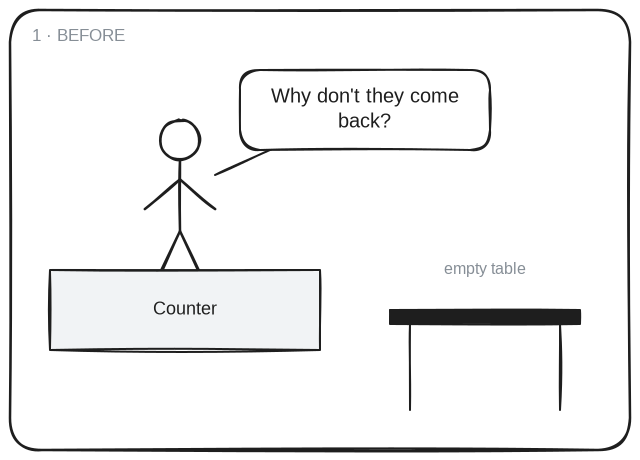
Ada runs a busy café. Some regulars stop coming back, and nobody tells her why. -
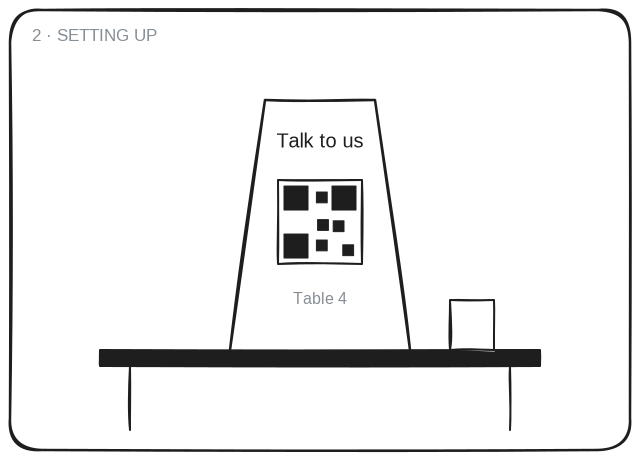
She prints Pulse table tents and puts one on every table. Each table can have its own QR code. -
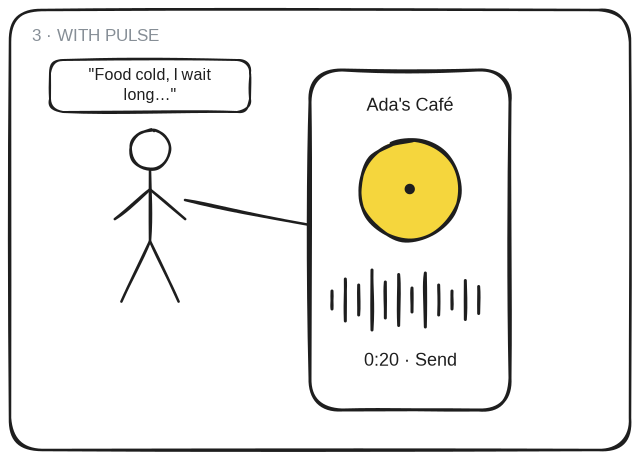
Tunde scans the code and talks for 20 seconds, in Pidgin. No app, no account, no form. -
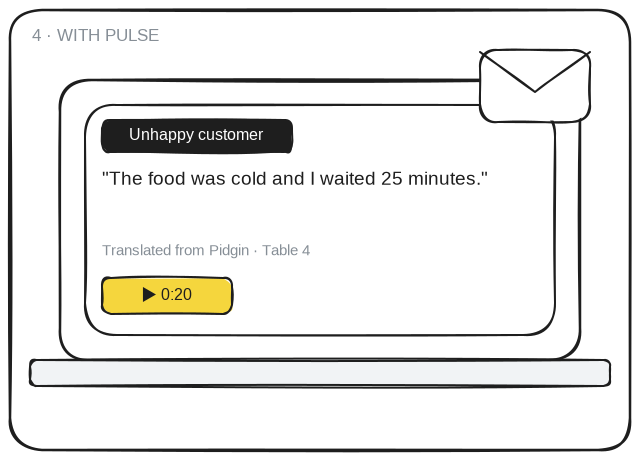
Ada gets an “Unhappy customer” email. The dashboard shows his words, an English translation and a one-line summary. -
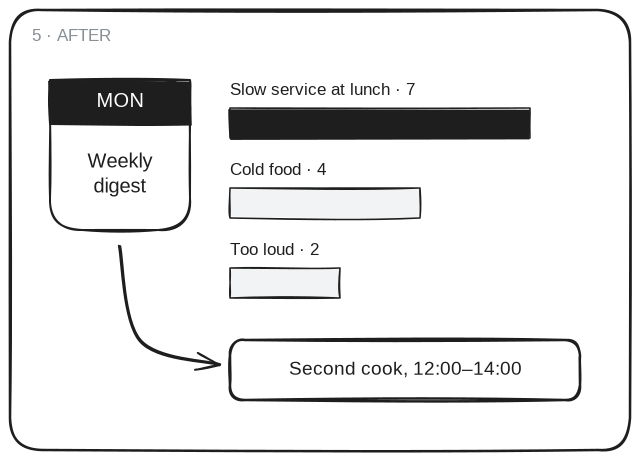
Monday’s digest lists up to three things to fix, with quotes. Slow lunch service is top. She adds a second cook at noon. -
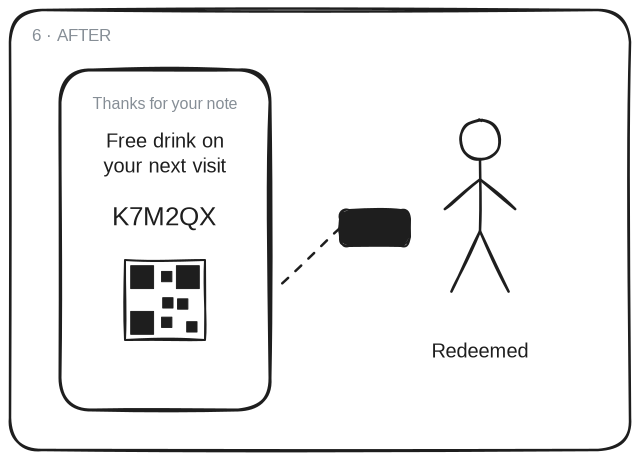
Tunde got a voucher for leaving a note, whatever it said. Next week he’s back, and staff scan it at the till.
Feedback from the page where it happened
Kemi runs an online shop. Her customers know what’s wrong; her support inbox only hears “it’s broken”.
-
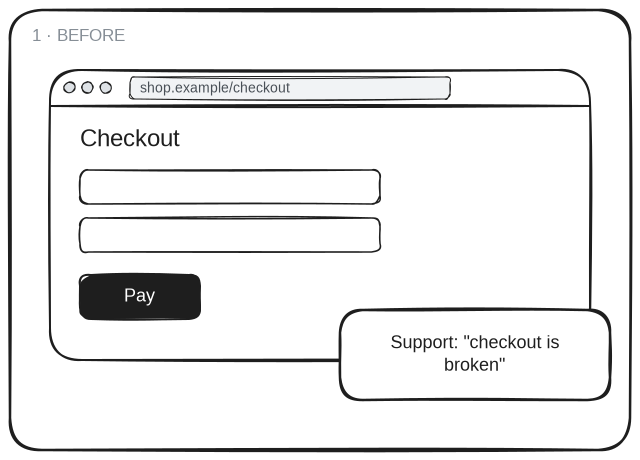
Support emails say “checkout is broken” and nothing else. Kemi can’t reproduce it. -
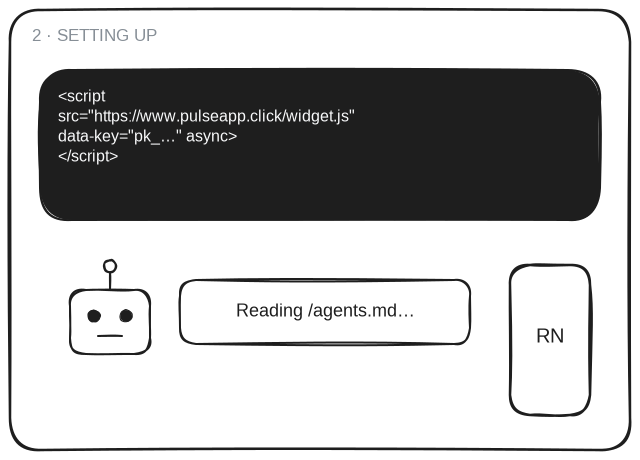
She pastes one script tag, or hands pulseapp.click/agents.md to her coding agent. Her app gets the React Native component. -
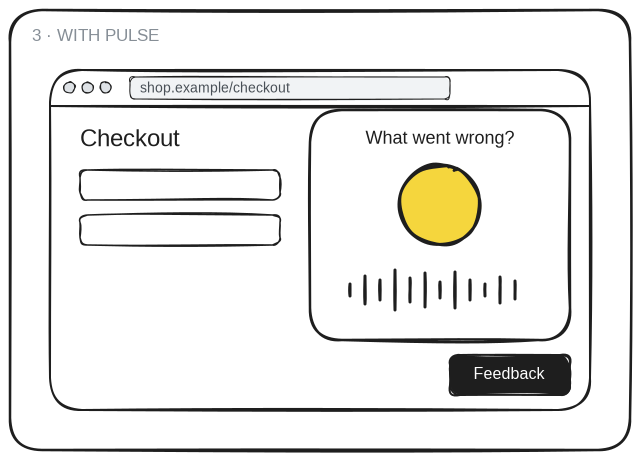
A shopper taps Feedback on the checkout page and says the coupon field wipes her address. -
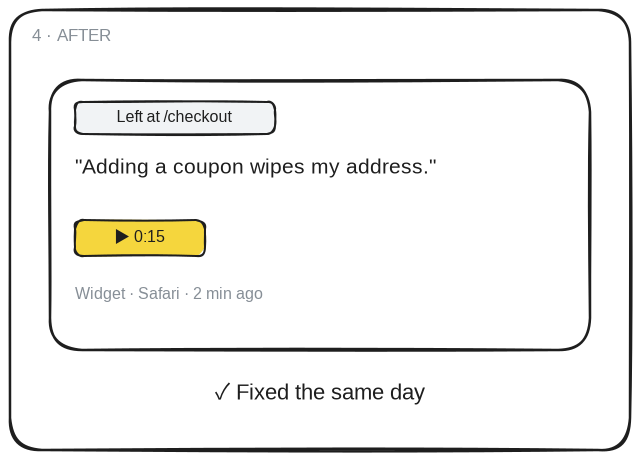
Kemi sees the note with the page it came from. She fixes the coupon bug that afternoon.